Private by design · No account · No tracking

Remember what matters.

Keep your thoughts, tasks and belongings in one place, so life feels a little easier.

New memoryShown with Anchor’s sample data
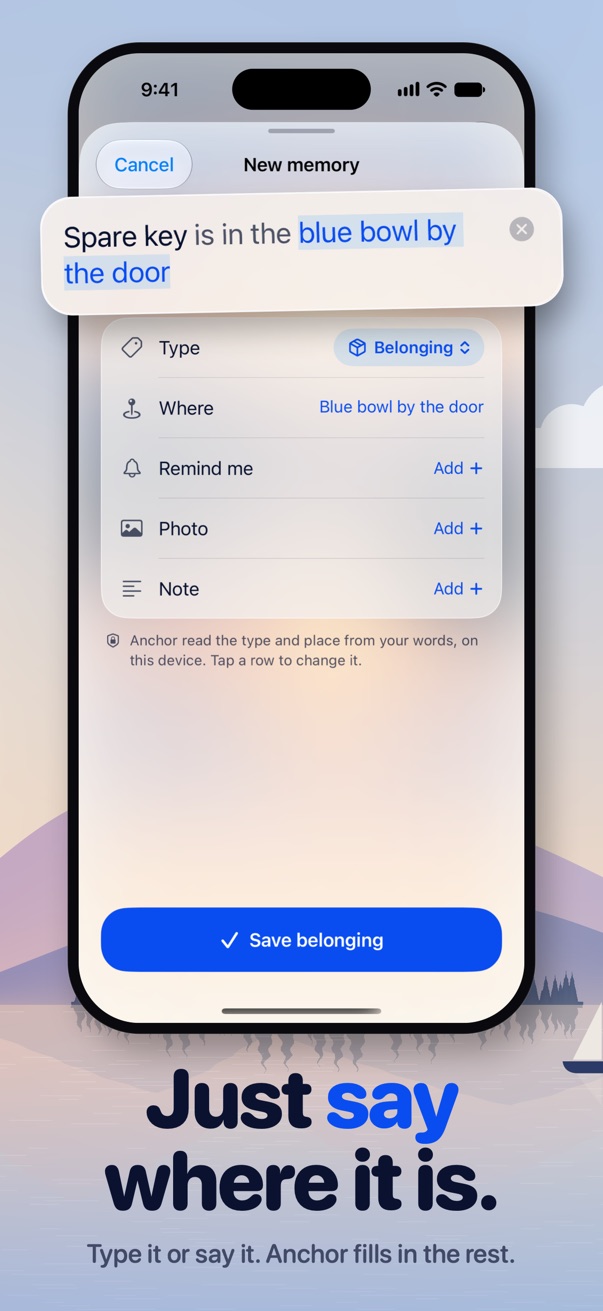
Spare key is in the blue bowl by the door
TypeBelonging
WhereBlue bowl by the door
PhotoAdd
Try a Anchor read the type and details from your words, on this device.

Three kinds of memory, one place.

Thoughts

“Parked on level 3, row B.” The small things you’d rather not hold in your head.

Tasks

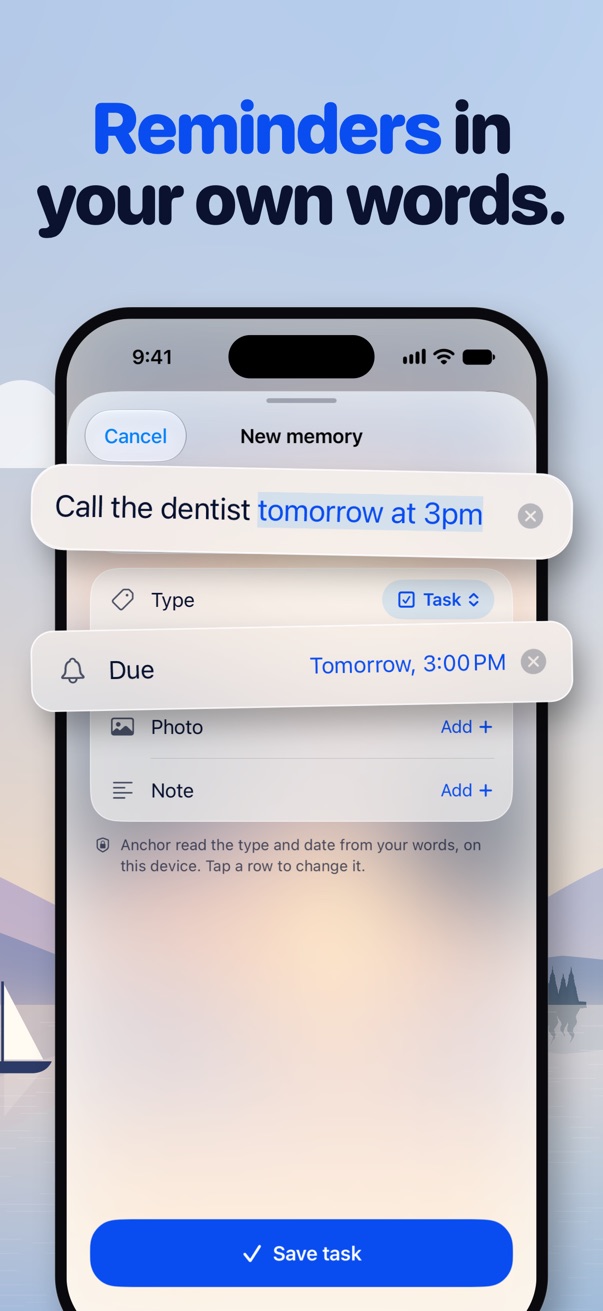
“Call the dentist tomorrow at 3pm.” With a due date read from your words, and a reminder.

Belongings

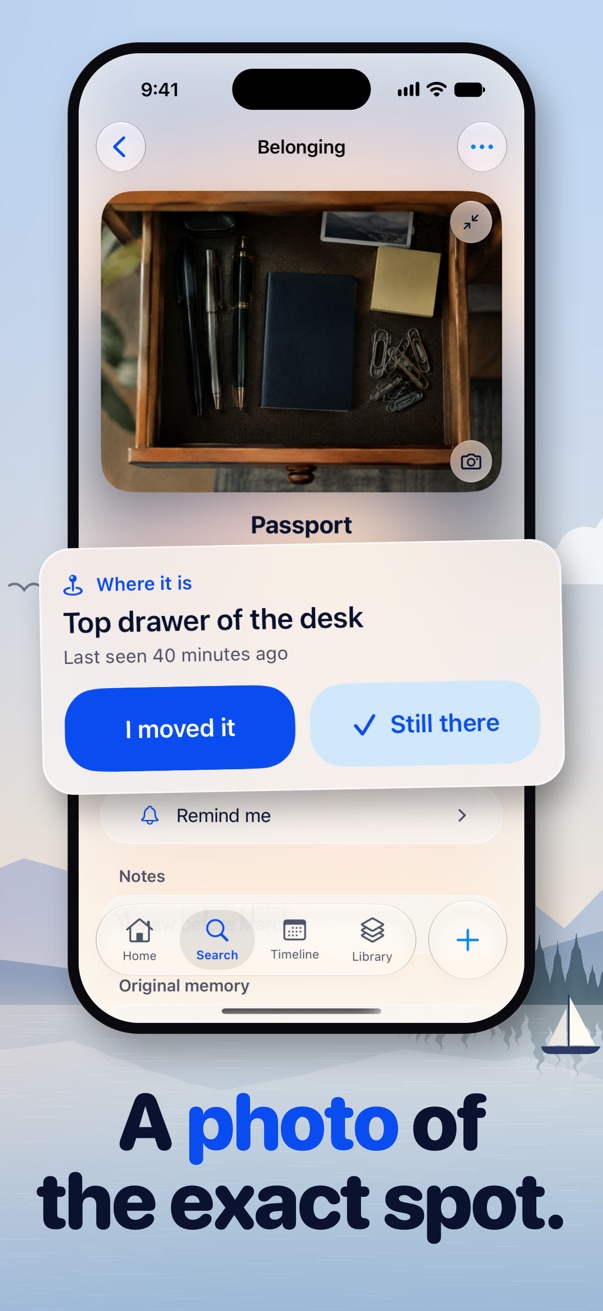
“Passport is in the top drawer of the desk.” Where it is, a photo of the spot, and when you last saw it there.

Capture

Say it once, in your own words.

Type it, say it or take a photo. Anchor reads the type, the place and the date from your words, on your iPhone. Tap a row to change anything before you save.
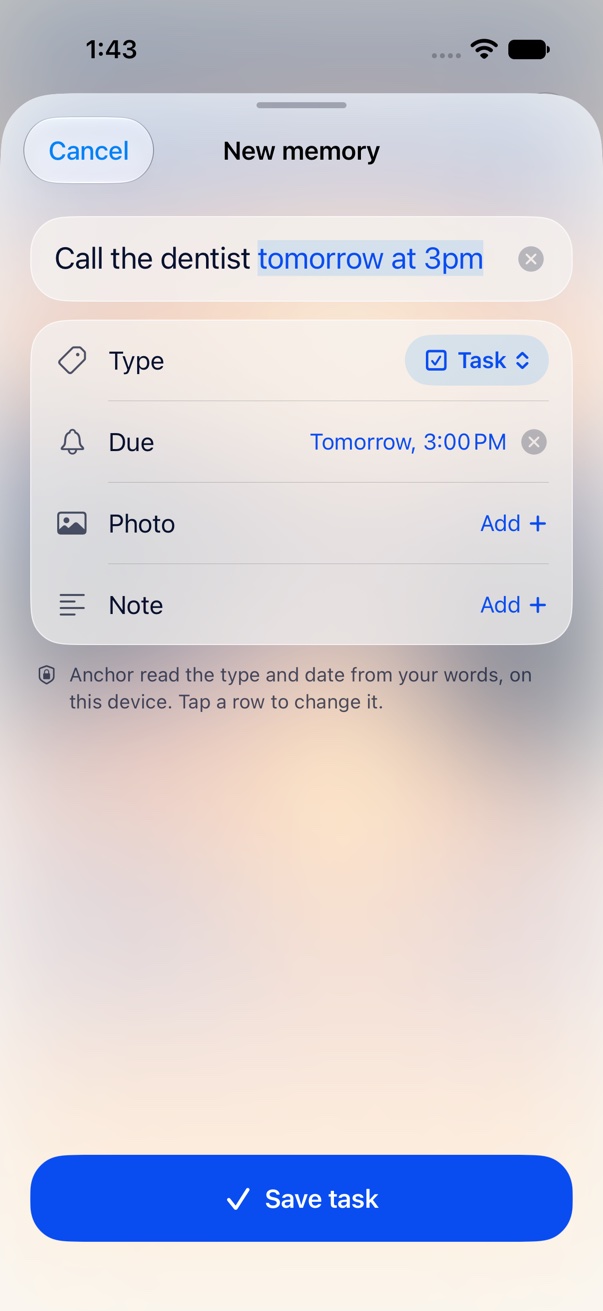
New memory: “Call the dentist tomorrow at 3pm”, read as a task due tomorrow at 3:00 PM
Belongings

See exactly where it is.

Each belonging keeps its place, a photo of the spot, and when you last saw it there. Moved it? Say so, and with Anchor Plus every place it has been stays in its history.
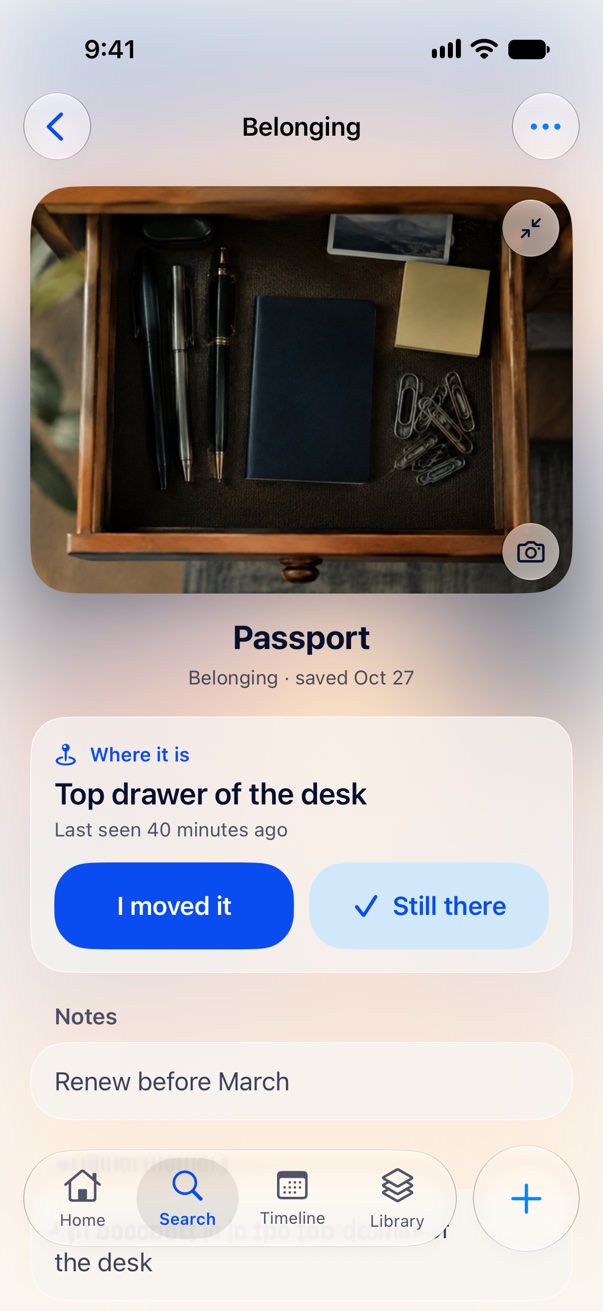
The Passport’s page: top drawer of the desk, with a photo of the spot
Find

Find it in a few letters.

Search everything you’ve saved as you type, and narrow it to thoughts, tasks or belongings.
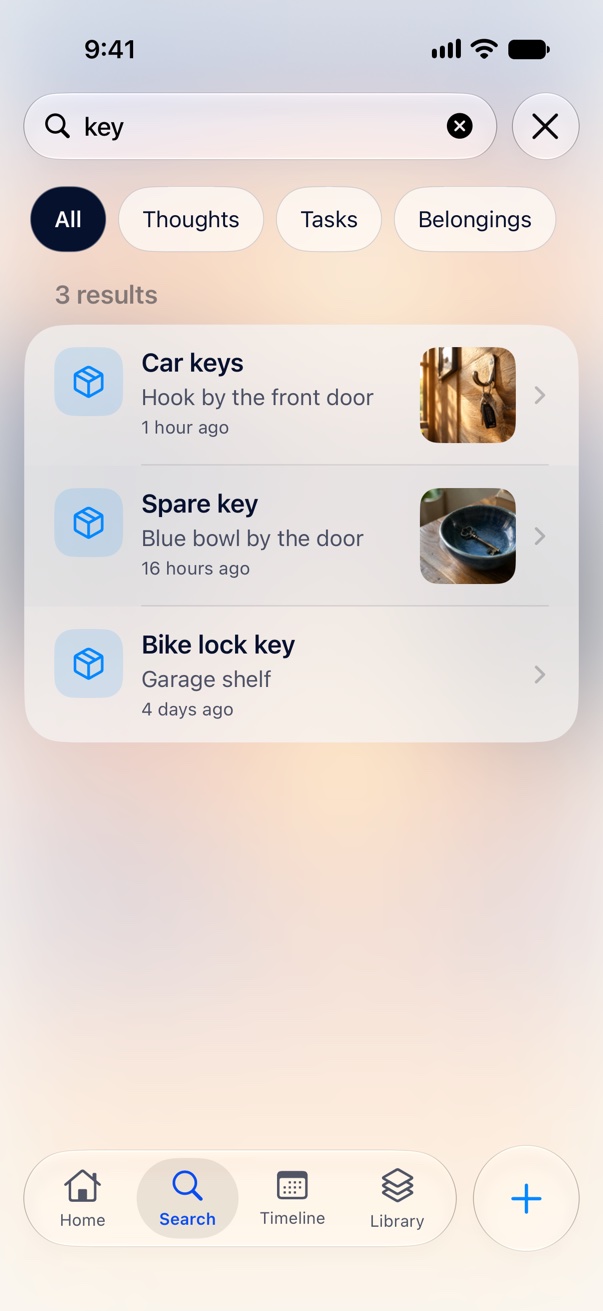
Search results for “key”
Reminders

A nudge at the right time.

Reminders arrive at the time you set, or at 9:00 when you only gave a day. From the notification, mark a task completed or have it remind you tomorrow. Thoughts and belongings can remind you too, like a drill a friend still has.
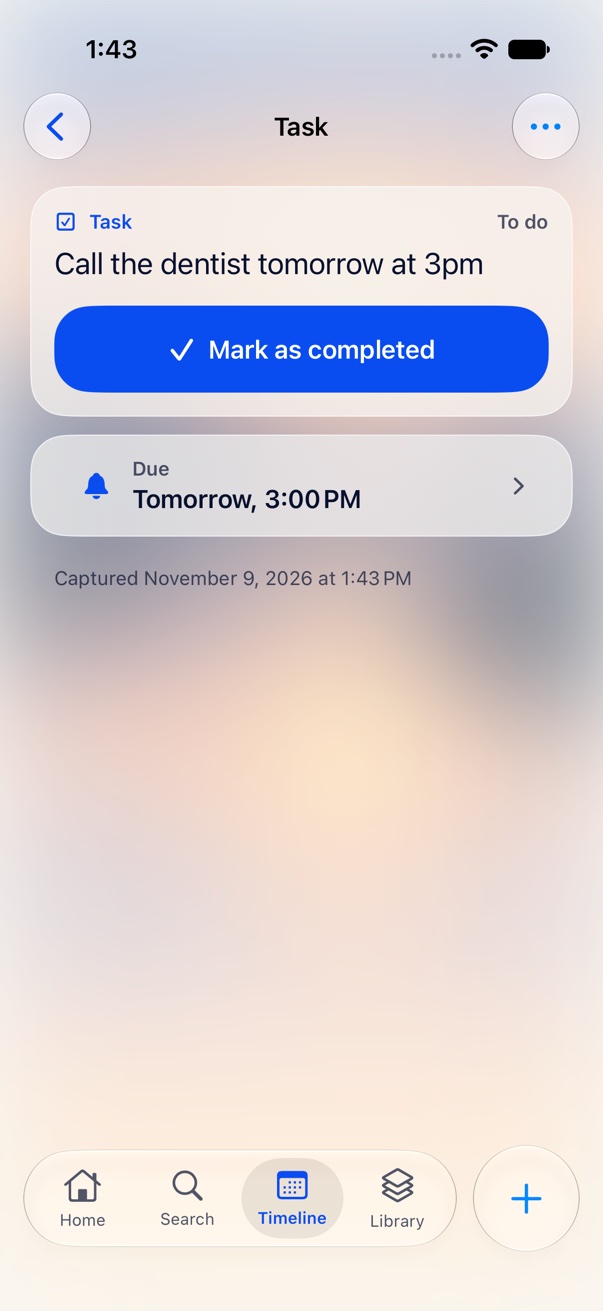
A task’s page: Call the dentist tomorrow at 3pm, due tomorrow at 3:00 PM, with Mark as completed
Without opening the app

Save it from anywhere.

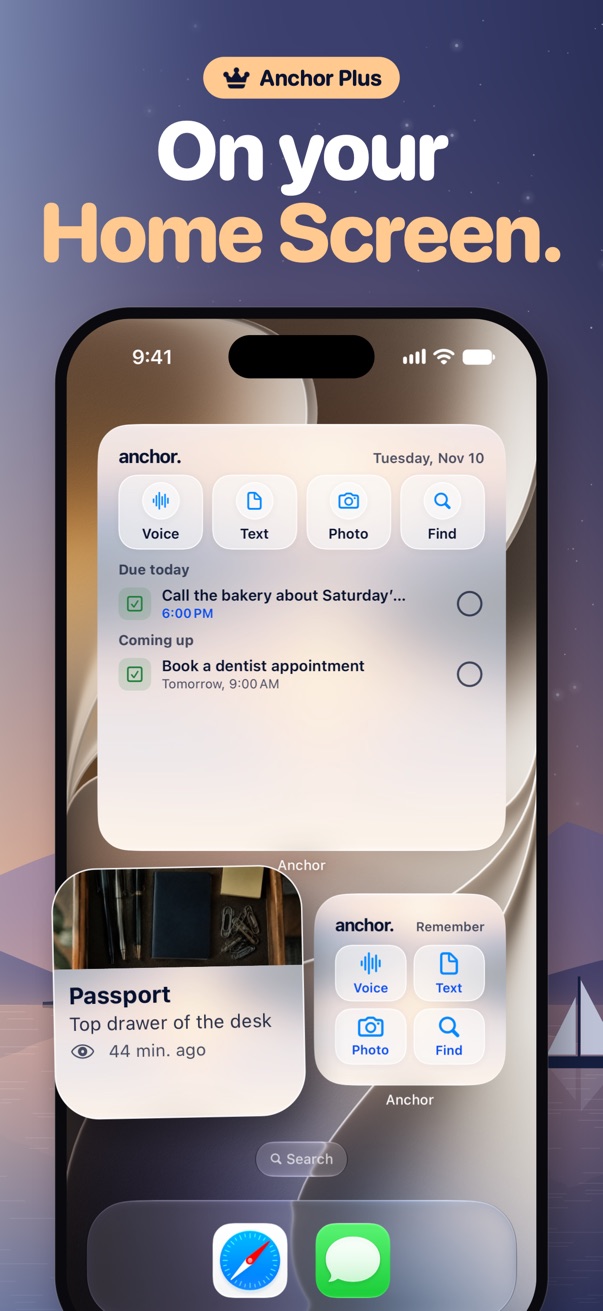
The Quick Capture widget and Control Center are free. Anchor Plus adds the Up Next, Where is it? and Today widgets, Lock Screen widgets, and saving with Siri, Shortcuts and Back Tap.
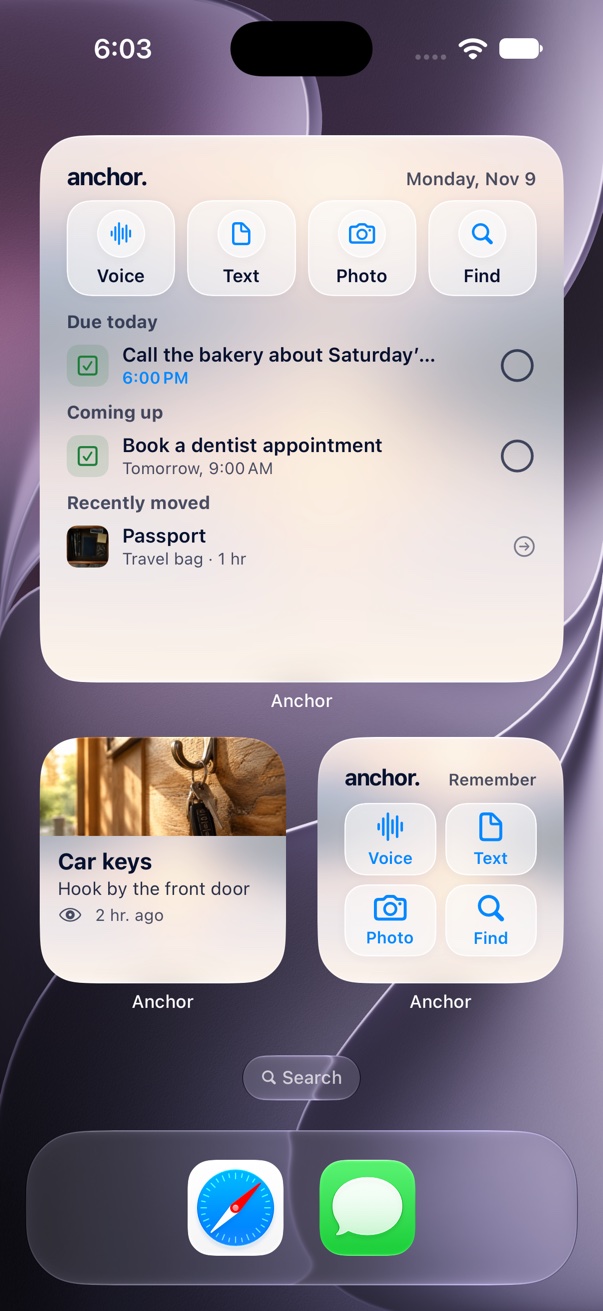
An iPhone Home Screen with Anchor’s Today, Where is it? and Quick Capture widgets
A look around

See what Anchor does.

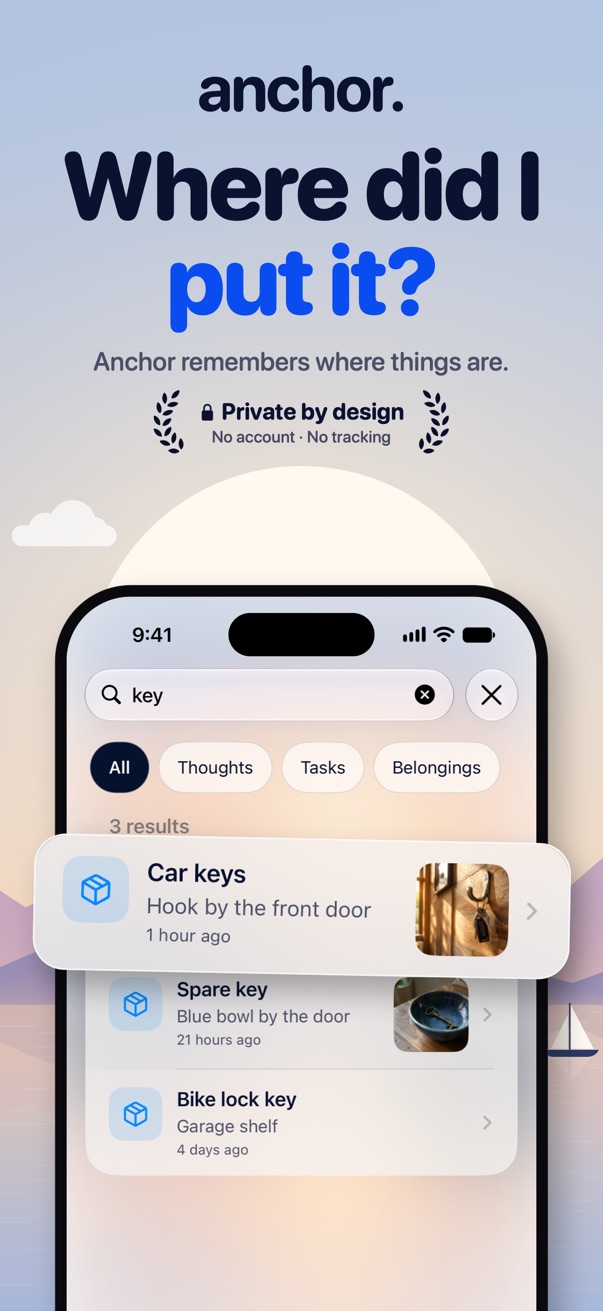
App Store screenshot: “anchor. Where did I put it?” with Search showing Car keys on the hook by the front door
SearchFind anything in a few letters.
App Store screenshot: “Just say where it is.” A new memory reads “Spare key is in the blue bowl by the door”
Say itType it or say it. Anchor fills in the rest.
App Store screenshot: “Reminders in your own words.” A new task due tomorrow at 3:00 PM
Reminders“Tomorrow at 3pm” becomes the due date.
App Store screenshot: “A photo of the exact spot.” The Passport in the top drawer of the desk
BelongingsWhere it is, when you last saw it, and a photo of the spot.
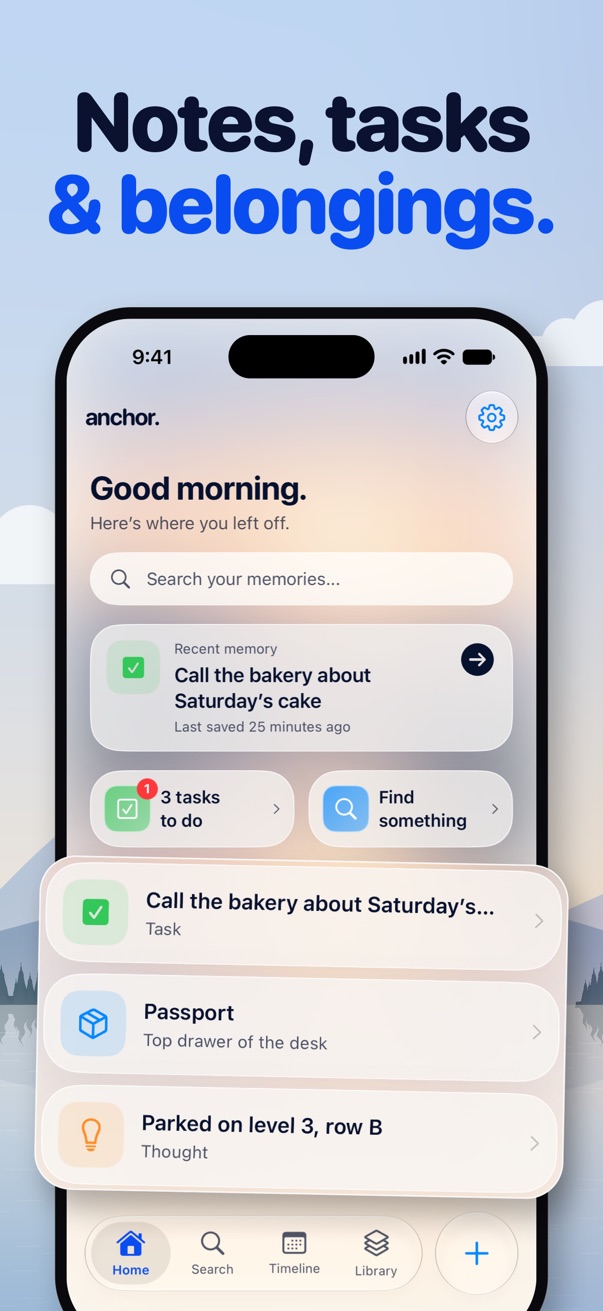
App Store screenshot: “Notes, tasks & belongings.” Home with recent memories
HomeThoughts, tasks and belongings in one place.
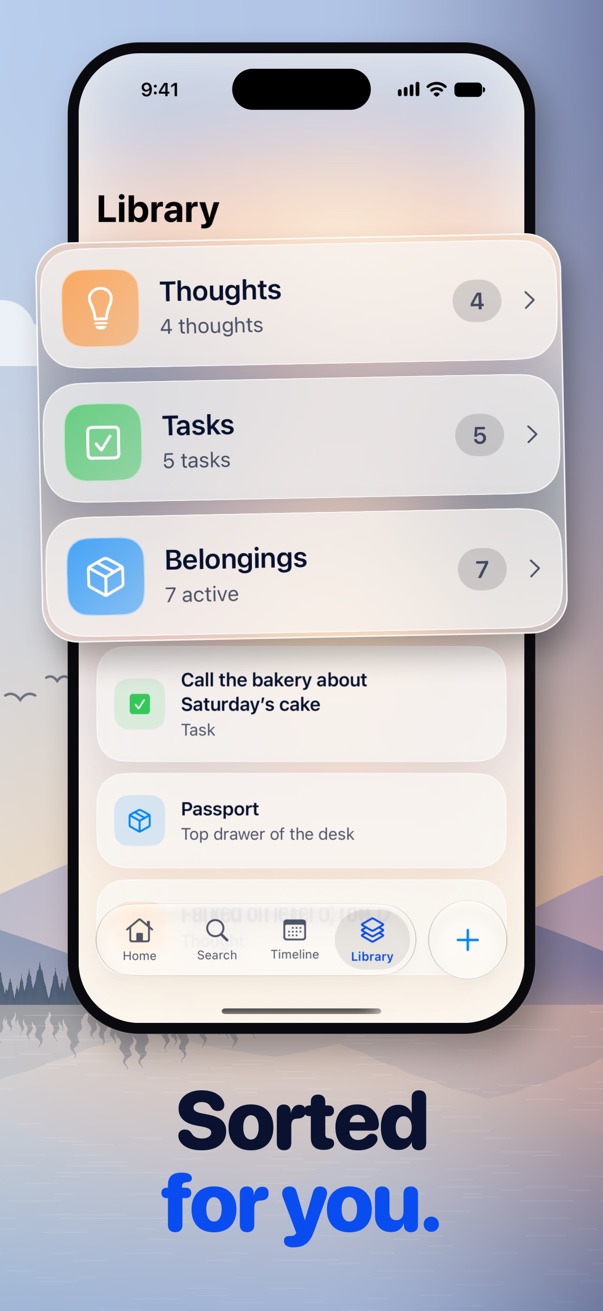
App Store screenshot: “Sorted for you.” Library with Thoughts, Tasks and Belongings
LibraryEach kind in its own list.
App Store screenshot: “On your Home Screen.” Anchor’s widgets on an iPhone Home Screen, Anchor Plus
WidgetsUp Next, Where is it? and Today. With Anchor Plus.
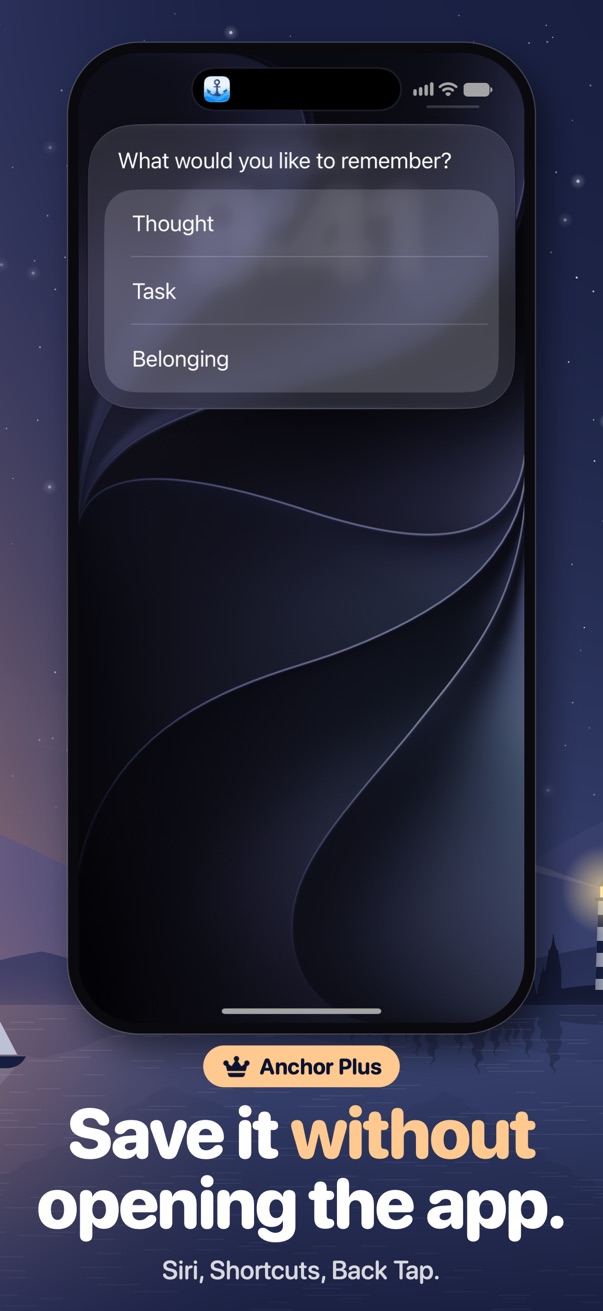
App Store screenshot: “Save it without opening the app.” Anchor’s question over the Lock Screen, Anchor Plus
Instant CaptureSave with Siri, Shortcuts or Back Tap. With Anchor Plus.
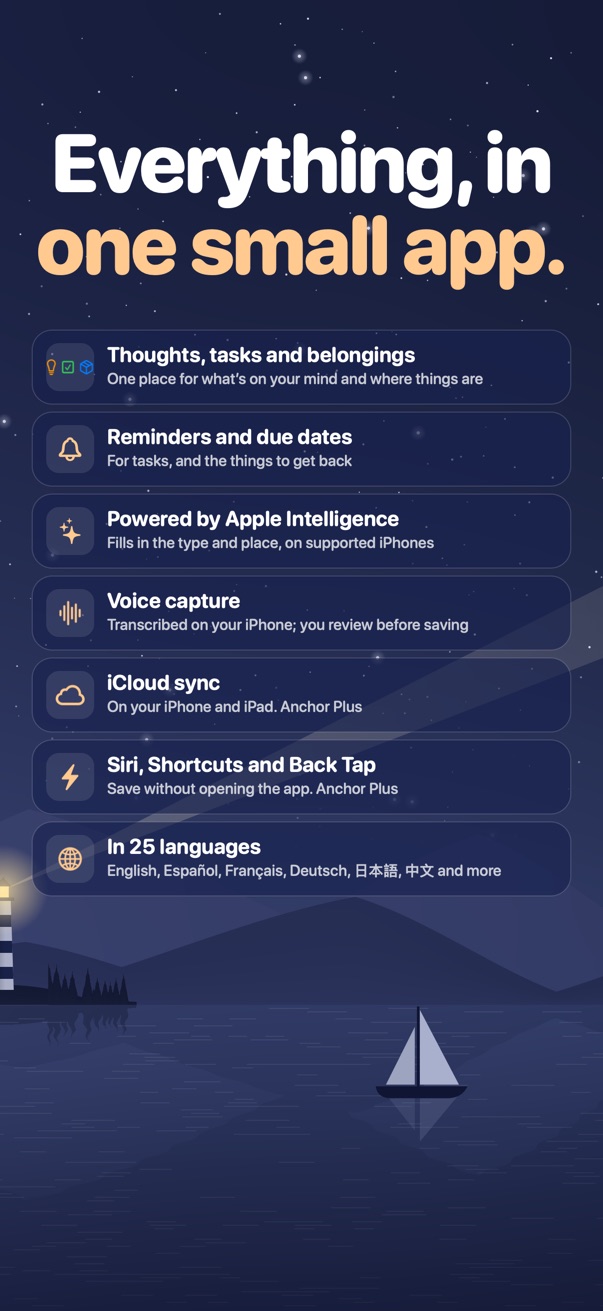
App Store screenshot: “Everything, in one small app.” A list of Anchor’s features
Everything it doesCapture, reminders, search, widgets, iCloud sync and 25 languages.
App Store screenshot: “Your memories stay yours.” A list of Anchor’s privacy features
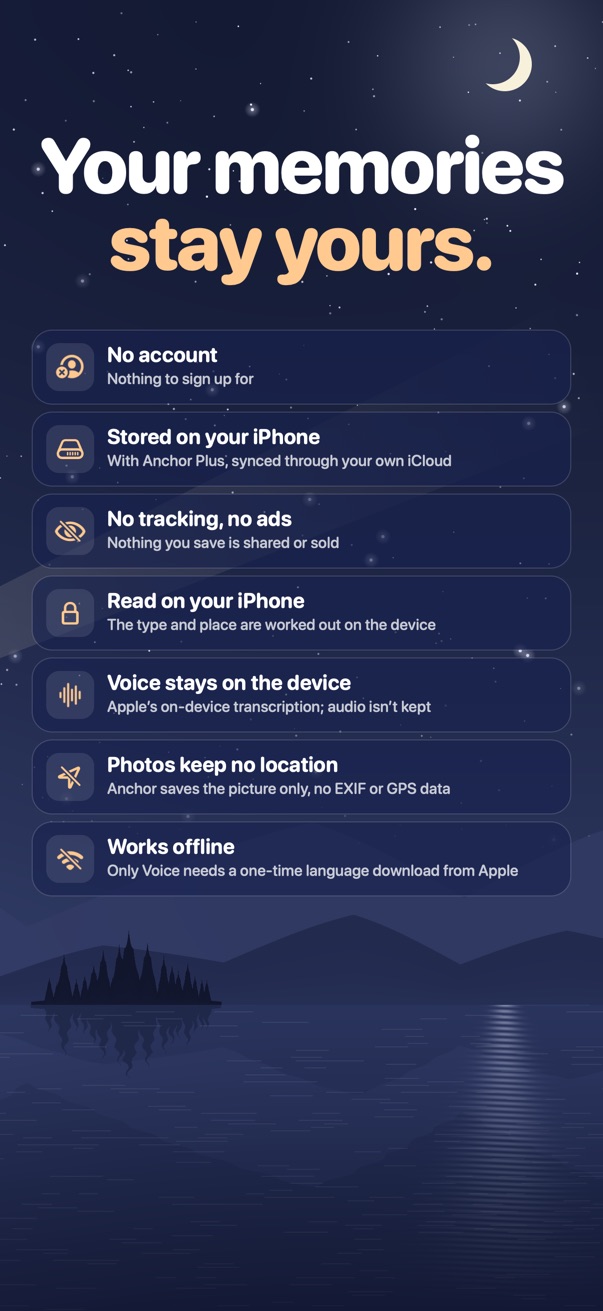
Private by designNo account, no ads, no tracking.
Privacy

Your memories stay yours.

Everything is stored on your iPhone. Voice and Apple Intelligence run on the device. With Anchor Plus, your data syncs through your own iCloud, which we can’t read.

Read the Privacy Policy
What Anchor collects about you
Nothing.
  • No account, nothing to sign up for
  • No ads, no tracking
  • Voice is transcribed on the device; audio isn’t kept
  • Photos are saved without location or camera data
  • Works offline; only Voice needs a one-time language download from Apple
Free and Anchor Plus

Free to start. Plus when you want more.

Anchor Plus is weekly, monthly or yearly, or once for life, at the price the App Store shows you. Subscriptions renew automatically unless canceled; manage or cancel in your App Store account settings.

What you getFreeAnchor Plus
Thoughts, tasks and belongings2 of eachUnlimited
Voice, text and photo capture
Reminders and due dates
Search, timeline and library
Quick Capture widget and Control Center
Place history: every place a belonging has been—
Instant Capture: Siri, Shortcuts and Back Tap—
iCloud sync: iPhone and iPad, photos included—
Up Next, Where is it? and Today widgets, and Lock Screen widgets—

A little less to keep in mind.

Free to start, in light and dark, in 25 languages.

Download on the App Store